Build Your AI-Powered Affiliate Business Without Getting Lost in the Technology
Download the free AI Affiliate Business Starter Kit and discover a clear, beginner-friendly roadmap for building websites, funnels, digital products, marketing systems, and automation with AI.
Free PDF Guide • Beginner Friendly • Instant Access
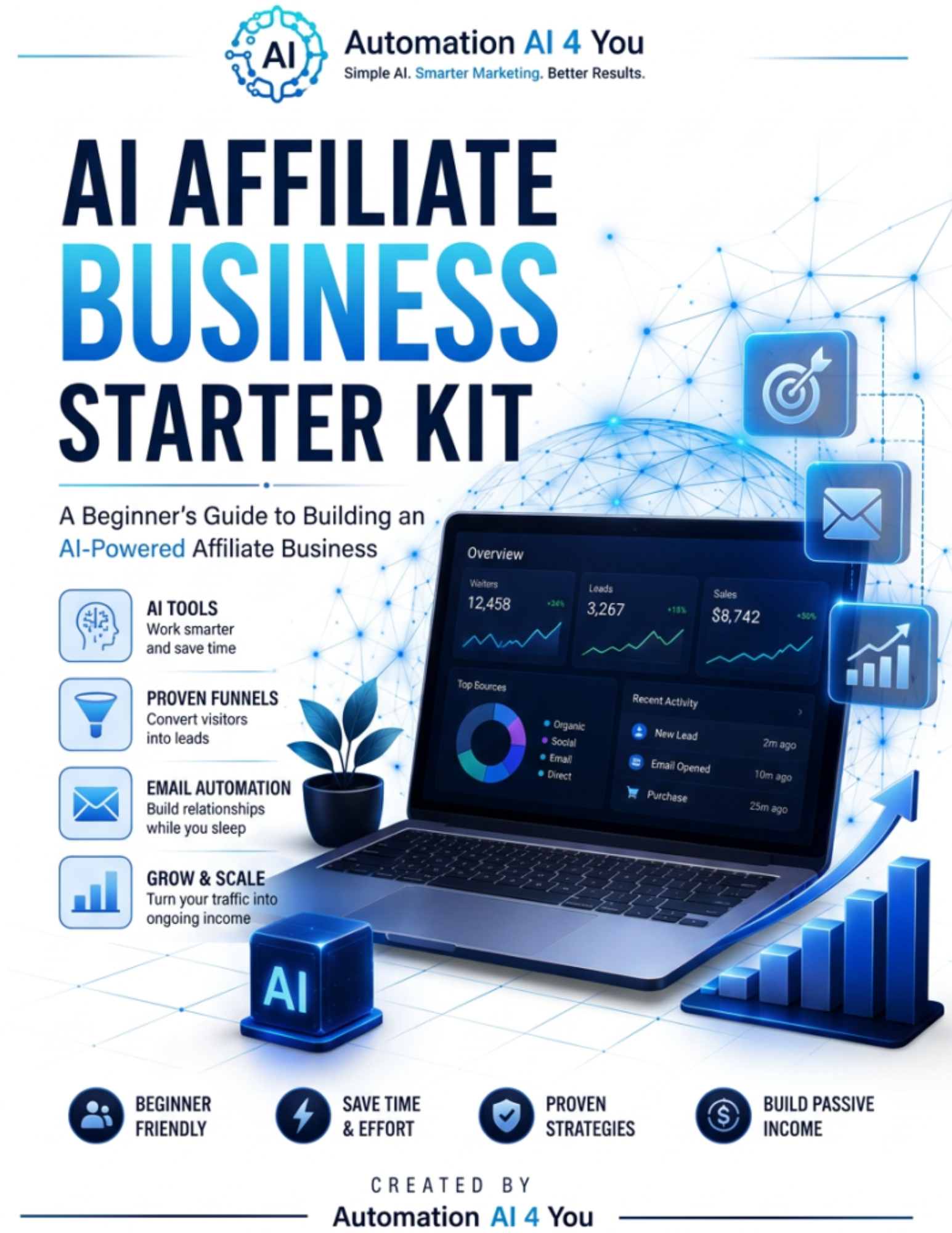
A Simpler Roadmap for Building with AI
The Starter Kit breaks the process into clear building blocks so you can focus on one step at a time instead of trying to master everything at once.
Websites
Learn how a focused website can build trust, attract visitors, and guide them toward a clear next step.
Funnels
Understand how traffic, landing pages, lead magnets, emails, and recommendations work together.
Digital Products
Discover how guides, templates, checklists, tutorials, and other digital resources can create value.
Marketing
Learn how helpful content, email, search, and social platforms can bring the right people to your business.
Automation
Identify repetitive tasks that can be simplified using AI and automation tools.
Growth
Build a repeatable system that can be tested, improved, and expanded over time.
Get Your Free AI Affiliate Business Starter Kit
Enter your first name and email address below, and I’ll send you instant access to the guide.
The Starter Kit Gives You the Roadmap. What Helps You Do the Work?
Learning the steps is important, but many beginners still struggle with the hours of research, clicking, organizing, formatting, downloading, and repetitive computer work required to put those steps into action.
That is where a desktop AI assistant may help. Odin AI is designed to move beyond simply giving advice. It works on your computer and is built to help carry out multi-step digital tasks while you remain in control.
Most AI Tools Still Leave You With The Work
A typical chatbot may give you an answer, outline, or draft—but you still have to open tabs, research sources, move files, format information, and complete the remaining steps yourself.
Too Many Tabs
Researching and assembling information manually can quickly become overwhelming.
Repetitive Computer Tasks
Downloading, renaming, organizing, formatting, and transferring information consumes valuable time.
Tool Overload
Using separate tools for every small task creates a complicated and expensive workflow.
Unfinished Outputs
Advice and drafts are useful, but the real value comes from completing the task.
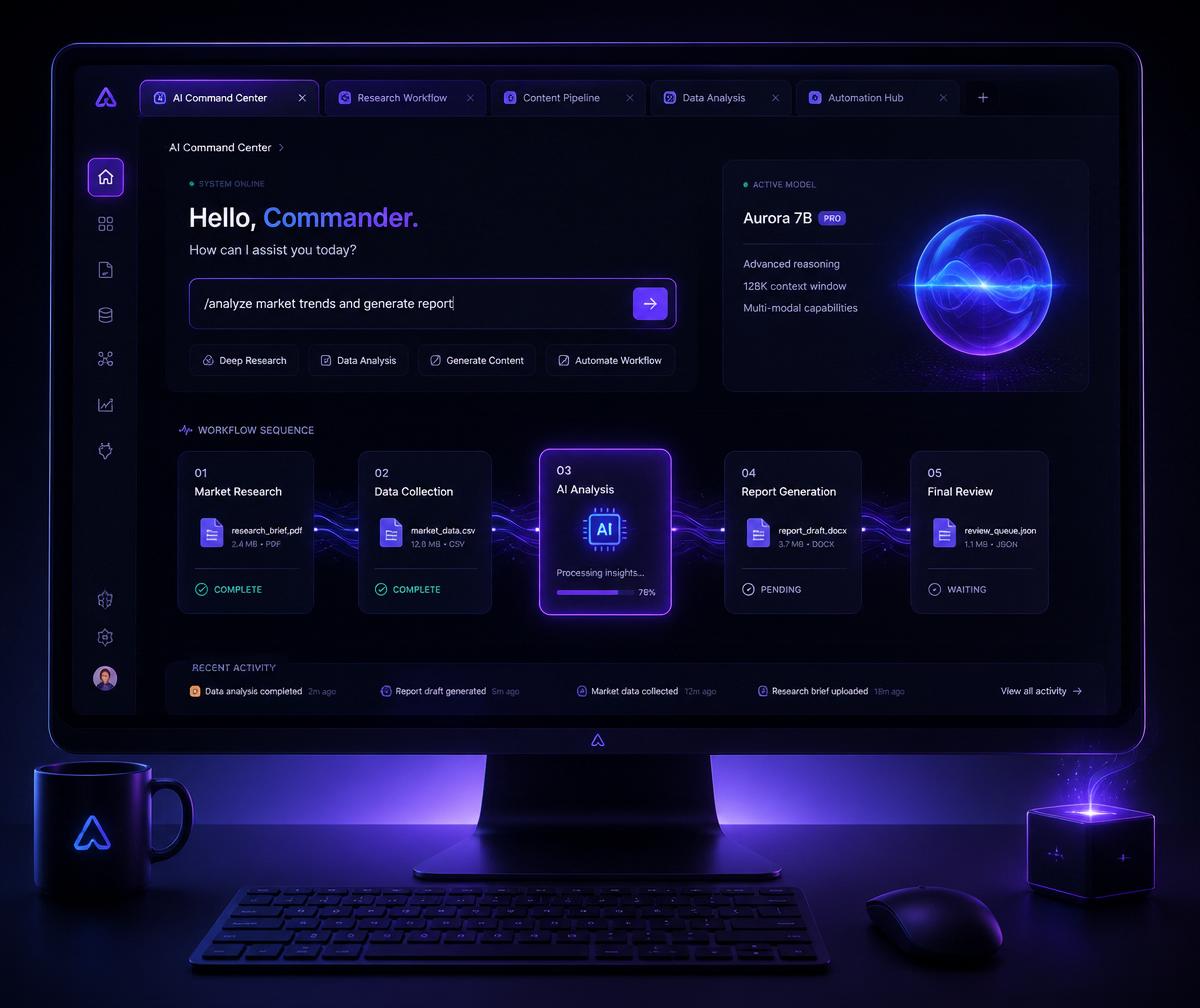
A Desktop AI Agent Built to Take Action
Odin AI is positioned as a desktop AI assistant for Mac and Windows. It can see what is happening on your screen, work inside your existing computer environment, and help execute multi-step tasks rather than only explaining what to do.
- Desktop application for Mac and Windows
- Voice-based commands
- Screen-aware assistance
- Guide Mode for step-by-step help
- Act Mode for hands-free task execution
- Background Agent Mode for delegated work
- Web research and file handling
- Telegram-based task triggering
- User-selected AI model
- One-key stop and user control
Features, availability, limits, and pricing are controlled by the product vendor and may change. Review the official offer page for current details.
Explore Odin AIThree Ways to Work with Odin AI
Guide Mode
Provides visual, step-by-step guidance while you stay in control of the computer.
Act Mode
Helps carry out clicks, typing, form completion, and other supported tasks while you watch.
Background Agent Mode
Allows supported multi-step tasks to continue while you focus on something else.
Always review automated work carefully before publishing, sending, purchasing, deleting, or making important decisions.
What Could a Desktop AI Assistant Help You Handle?
Affiliate Research
Organize product information, compare offers, gather sources, and prepare campaign research.
Content Preparation
Help collect research, build outlines, draft content, and organize supporting assets.
Competitor Analysis
Review websites, offers, content, and publicly available marketing information.
Lead and Prospect Research
Gather and organize publicly available business information for outreach preparation.
File and Data Organization
Rename files, organize downloads, format information, and prepare spreadsheets.
Campaign Preparation
Help assemble landing-page research, email ideas, content plans, and promotional materials.
Designed to Work on Your Computer
According to the vendor, Odin AI runs locally on the user’s Mac or Windows computer rather than operating entirely inside a remote hosted browser.
Works on your own computer
Uses existing browser sessions
User chooses the connected AI model
User can pause or stop the agent
Always review the vendor’s current privacy policy, security documentation, system requirements, and data-handling terms before installation.
Turn the Roadmap Into a Repeatable Workflow
- Step 1Learn
- Step 2Plan
- Step 3Build
- Step 4Automate
- Step 5Review
- Step 6Improve
The AI Affiliate Business Starter Kit helps you understand the building blocks. Odin AI may help reduce some of the repetitive computer work involved in researching, organizing, preparing, and carrying out those steps.
Odin AI May Be Worth Exploring If You…
- Spend hours completing repetitive computer tasks
- Frequently research, organize, download, or format information
- Want AI to assist with actions instead of only providing answers
- Prefer software that runs on your own computer
- Are willing to review and supervise automated work
- Want to simplify a one-person business workflow
Skip It If…
- You do not use a supported Mac or Windows computer
- You are unwilling to review AI-generated or automated work
- You expect guaranteed income or instant business results
- You do not want to connect or configure an AI model
- You require a fully managed human assistant
What Odin AI Cannot Replace
- Your judgment
- Your experience
- Your brand voice
- Fact-checking
- Legal or financial advice
- Human relationships
- Final quality control
AI should support your work—not remove your responsibility for the result. Review all research, content, data, messages, and automated actions before relying on them.
Ready to See What a Desktop AI Agent Can Do?
Review Odin AI’s current features, system requirements, pricing, bonuses, limits, and guarantee directly on the official offer page.
Explore Odin AIThis is an affiliate link. If you purchase through it, AutomationAI4You may earn a commission at no additional cost to you. Results vary, and no earnings or productivity outcome is guaranteed.
Not Ready for Odin AI? Start with the Free Guide
Download the AI Affiliate Business Starter Kit and begin with a clear roadmap you can follow at your own pace.
Frequently Asked Questions
What is Odin AI?
Odin AI is presented by its vendor as a desktop AI agent for supported Mac and Windows computers that can provide guidance and assist with multi-step computer tasks.
Is Odin AI the same as a chatbot?
It is positioned differently from a standard text chatbot because it is designed to assist with actions on a user’s computer, not only provide written answers.
Does Odin AI guarantee that I will make money?
No. Software cannot guarantee income. Results depend on the user’s skills, decisions, market, effort, offer, audience, and many other factors.
Do I need Odin AI to use the Starter Kit?
No. The Starter Kit is a standalone educational resource. Odin AI is an optional tool to explore.
Does Odin AI require technical skills?
The vendor positions it as beginner-friendly, but users should review the current setup process, supported operating systems, model requirements, and documentation before purchasing.
Will Odin AI work without supervision?
Some tasks may be designed to run in the background, but users should always review automated actions and final outputs.
Is my information private?
The vendor describes Odin AI as local-first, but visitors should review the official privacy policy, security documentation, and data-handling terms before using it.
Is this an affiliate promotion?
Yes. AutomationAI4You may receive a commission if a purchase is made through links on this page, at no additional cost to the buyer.